Google turns its Marketplace into a curated shop
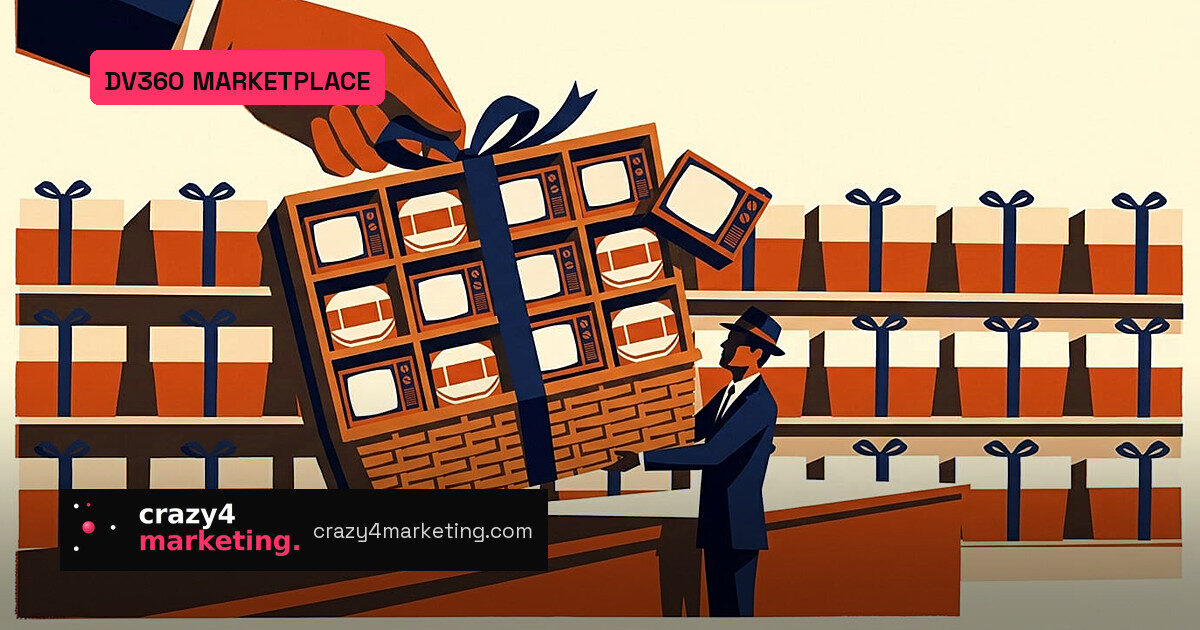
On October 22, 2026, Google published the first edition of Google Marketing Platform Drops, a monthly product update for its enterprise ad stack. The biggest change sits inside Display & Video 360 Marketplace: curated media bundles that buyers can attach to line items in bulk. Glenn Thrope, Product Director for Display & Video 360, described the update as offering “single-click activation for live sports and tentpole events,” curated by Gemini models.
The first Drop also carries three shorter items: a Gartner Leader placement for Google Marketing Platform, LinkedIn CTV Ads inventory in DV360, and a Gemini-powered Search Ads 360 Home view. But the Marketplace mechanics are the part worth studying closely.
Three bundle types, one bulk workflow
The Help Center splits Marketplace into a Featured tab and a Discover tab. Featured shows premium inventory through a carousel and curated bundles. The bundles come in three forms:
- Deals and packages: curated inventory lists that advertisers can assign directly across line items, including CTV, video and audio.
- Publishers: publisher groups organized by theme, such as top CTV, audio and video publishers.
- Instant deals: a single featured list of exchanges or publishers where instant deals can be bought.
Selecting Bulk assign lets a buyer push a bundle to a new line item or add it to an existing one. The key default: every deal in a bundle is pre-selected. Unless someone actively unchecks packages, every deal ID lands in the line item.
The 50-package ceiling
The documentation states the hard limit twice: each line item can contain a maximum of 50 packages. New line items can take up to 50 packages in one bulk assignment. Existing line items are trickier: if you already have 40 packages, you can only add 10 from a bundle, no matter how large the bundle is.
That turns bulk activation into a counting exercise. Before assigning, traders need to check what is already on the line item and deselect anything that would push the total past 50.
Why the ranking matters more than the bundles
The Discover tab is where Google’s AI does its most visible work. Search takes natural-language descriptions or keywords, and matching runs against publisher metadata, Google audience segments, content categories and genre. Multi-word searches use AND logic.
Ranking is the bigger story. Google says results are ordered by how closely inventory matches the query, combined with total available impression opportunities. Put another way: relevance is weighted together with forecast scale. A small publisher with exactly the right audience can lose ground to a bigger but less perfect match. Google does not disclose the weighting.
That shifts Google from neutral shelf to editor. The Featured tab decides what counts as premium. The Discover tab decides what matters most. Bundles arrive pre-selected. Yet neither document explains how a bundle or a featured publisher gets chosen, or whether Google audience coverage quietly advantages some inventory.
What to do now
For agencies and trading desks, the practical moves are simple. Treat pre-selected bundles as a draft, not a final buy. Open View all items, trim anything off strategy, and count your existing packages before bulk assigning. Keep searches to one or two keywords, as Google’s own best-practice advice suggests, and use filters for the rest.
The bigger watch item is the curation layer. Google has been adding retail and partner data into DV360 all year, and now bundles put its AI in charge of inventory selection. The time savings are real, especially around live sport and seasonal moments. The opacity is real too.
Source: PPC Land