
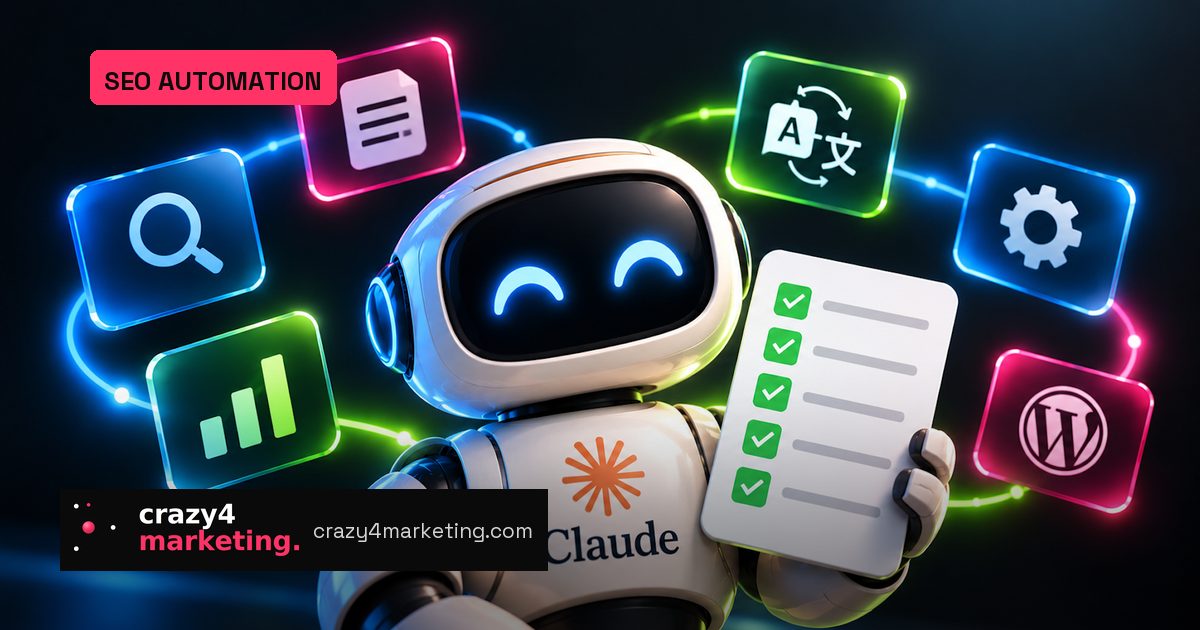
SEO teams often spend too much time on repetitive execution: checking rankings, localizing nearly identical pages, maintaining plugins, building technical sitemaps. A new practical breakdown from Search Engine Land shows how one SEO team is using Claude’s desktop app and Chrome extension to reduce exactly that kind of busywork.
The big lesson is not “AI does SEO for you.” It’s that Claude works best when you act as the strategist and let the tool handle the mechanical steps. Here are the five workflows worth testing, plus a simple model for making AI adoption stick.
1. Build a daily intelligence brief
The first win was a daily briefing that tracks industry updates, competitor moves, mergers and acquisitions. The key detail: don’t accept generic output. Start with a specific outline, review the brief, and give corrections so the tool learns the level of signal you actually want.
2. Connect Claude to your data
Instead of manually digging through Google Analytics, the team connected Claude directly to data sources, using a setup shared by Rank Math that avoids third-party middleware. That makes analysis conversational: ask a question, get an answer, move on. It’s faster because the bottleneck shifts from navigation to thinking.
3. Generate hreflang XML sitemaps
For international SEO, Claude built a hreflang XML sitemap from XML sitemap links alone. It gathered pages and produced an accurate sitemap on the first pass, avoiding the back-and-forth the team had experienced elsewhere. The takeaway: give the AI the input it needs, then verify carefully rather than redoing the work.
4. Localize content across regions
This is the biggest operational unlock. The team uploaded examples of approved localization work, gave Claude a new piece of content, and asked it to identify the matching service pages, check regional sites, create localized versions using a standard template, and create spaced-out Asana tasks. Claude handled everything except attaching the document to the ticket. In-country reviewers said translations were comparable to Google Translate quality, which means the value is in orchestration, not just translation.
5. Swap outdated WordPress plugins
When a plugin had known security issues and hadn’t been updated in years, Claude used its Chrome extension in a staging environment to find every usage, replace it, and run a visual check. It caught one discrepancy and fixed it after feedback. Then Claude proactively checked for other risky plugins, found an unused unsupported one, and the team removed it. Across more than 20 sites, the hands-on work dropped to about five minutes per site.
The operating model: strategist, not typist
If you want similar results, use a simple checklist before handing off a task:
- Define the outcome first. Show examples and explain edge cases before asking for output.
- Match the tool to the task. Different AI models have different strengths; test and compare.
- Verify in the real environment. Use staging or a controlled dataset, and correct mistakes fast.
- Let AI suggest the next move. Sometimes the best find comes from a follow-up question you didn’t plan.
For SEOs and growth teams, the opportunity is easy to miss. The 80/20 here is not about producing more content faster; it’s about compressing the repetitive 80% of technical SEO, localization, and maintenance so your team can spend time on strategy, testing and creative bets.
Start with one workflow, not all five. Document your instructions, review the first output, and refine. Once the system works, turn it into a repeatable brief your whole team can use.
Source: Search Engine Land