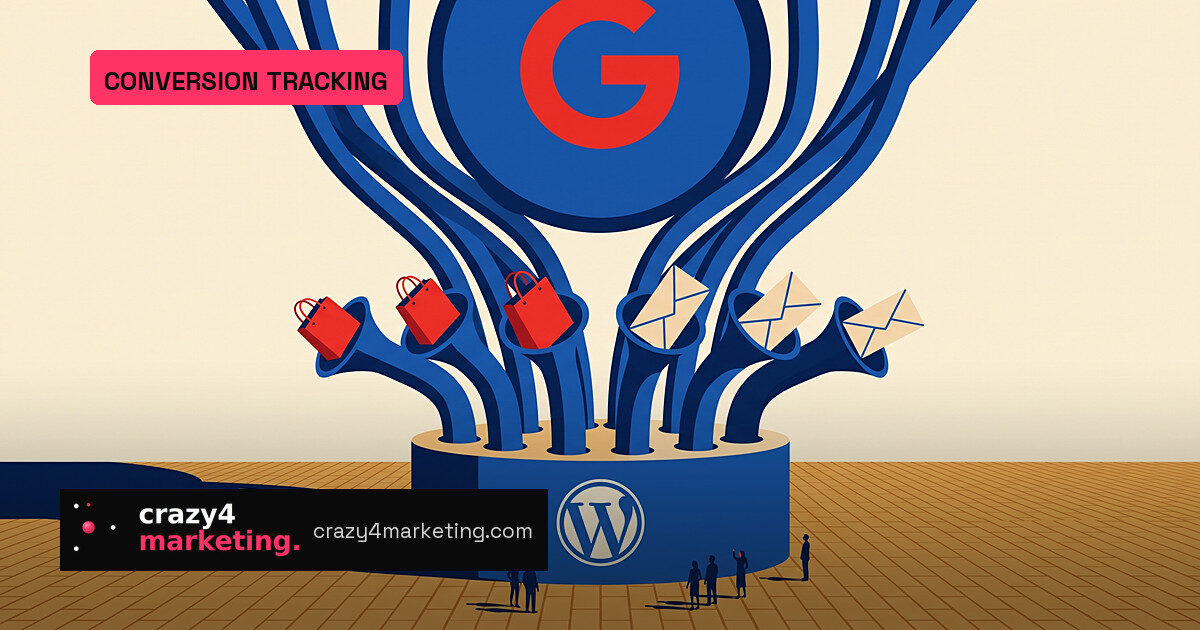
Google has made conversion tracking close to a default for WordPress sites. The free Site Kit plugin has switched Site Goals out of its feature-flag phase and started recognizing purchases, add-to-carts and form submissions from a fixed list of third-party plugins, then passing those events to Google Analytics.
For small shops and lead-generation sites that never wired up GA4 events, that is the real story: the dashboard now does part of the measurement job for you.
What Site Goals actually tracks
Google Search Central shared the update on LinkedIn on September 15, 2026, eight days after Site Kit version 1.187.0 removed the feature flag. Google described the capability as one that “actively fills in data gaps” by catching key visitor actions.
Two widgets power the report:
- Online store performance for WooCommerce and Easy Digital Downloads, covering purchase and add_to_cart events.
- Lead generation performance for Contact Form 7, Mailchimp, Ninja Forms, OptinMonster, Popup Maker and WPForms, covering form submissions.
Anything else lands in an Other sources or Other form completions tab, but those numbers are not a clean read of unsupported tools once the advanced breakdown is active.
The metrics that actually show up
Site Goals leans on rates rather than raw totals, and that is a smart normalization move. A dip in sales could mean less traffic or a weaker funnel. The dashboard separates the two: Sales Rate is the share of sessions containing a purchase, and Add to Cart Rate shows intent higher up the funnel. Form completion rate works the same way for lead sites.
One caveat stands out. Total Sales counts completed orders, not revenue. If your order values vary widely, the count will not tell you whether the store actually made more money.
What to switch on before you need it
The widgets appear only when Google Analytics is connected, at least one supported plugin is active, and plugin conversion tracking is enabled or events are configured elsewhere. The conversion tracking setting is a single switch shared between the Analytics and Google Ads modules, which means the same purchase and lead signals can feed automated bidding if you run Google Ads.
Per-plugin and per-form breakdowns require advanced data breakdown. Site Kit creates two custom dimensions in Analytics to support that split, and the documentation is blunt: granular history is not available. If you want split reporting, enable it now and let the data build.
Why this matters
Site Kit reports more than 5 million active installations, so this is not a narrow rollout. Site Goals did not arrive in one release either: Google shipped the first widgets in version 1.179.0 in May 2026, then layered in goal-driver panels, a feature tour and metric tiles through version 1.188.0 on September 21.
This is measurement becoming a default. Google separately moved toward visual tagging and direct data connections in 2026, and Meta has been pushing no-developer Conversions API setups. Site Kit covers a narrower set of cases, but they are exactly the simple events that small WordPress businesses often leave untracked.
The limit is the list. Commercial form builders such as Gravity Forms do not appear, and Google has not given a timetable for expansion. When something breaks with a listed plugin, Google points site owners to that plugin’s own support team.
For a small WordPress site on WooCommerce or WPForms, the move is straightforward: connect Analytics, turn on plugin conversion tracking, and read the rate metrics before you add custom events. But keep an eye on what is not there—revenue data, consent effects and browser-side losses are not addressed in the Site Goals pages.
Source: PPC Land