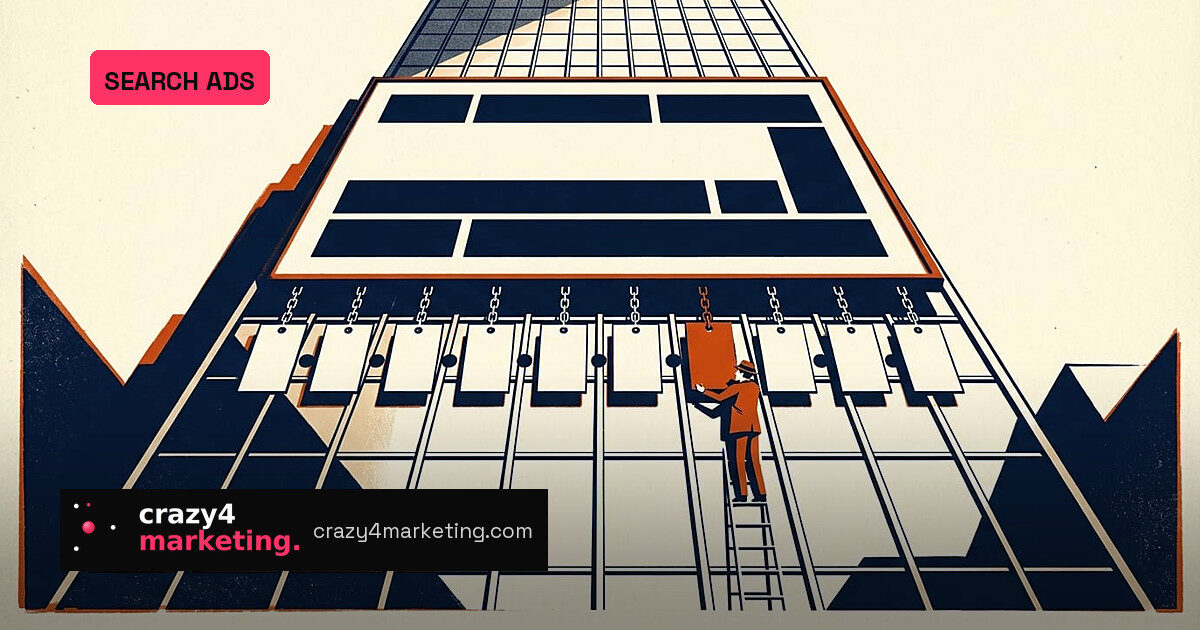
Callouts are the most useful Google search asset many advertisers are not actively managing. They are the short, non-clickable lines beneath an ad – “Free shipping”, “24/7 phone support”, “Price match guarantee” – and Google says a single ad can now show up to 10 of them. They add no separate click charge and have quietly become a battleground between advertiser control and automation.
The 25-character weapon
Each callout is one required field: callout_text, between 1 and 25 characters. The limit drops to 12 in Chinese, Japanese and Korean. There is no URL field, which is the structural difference from a sitelink. Callouts attach at account, campaign or ad group level.
That hierarchy is where strategy lives. A brand-wide promise such as “24/7 phone support” belongs at account or campaign level. An ad group-level callout should carry a granular offer like “20% off cameras”. Google’s own guidance favours concrete wording – “34 MPG max mileage” over “Great fuel economy”.
Microsoft Advertising uses the same logic with tighter display numbers: 2 to 20 callouts per entity and 2 to 4 per impression, with ad group callouts overriding campaign level.
Automation is writing the copy now
Google can generate dynamic callouts from your landing page. Since February 2024, AI-generated callouts, sitelinks and structured snippets can appear alongside or instead of manually created assets when Google predicts they will perform better. Under Google Ads terms effective July 1, 2026, advertisers are responsible for reviewing, approving or removing generated assets.
That turns callouts into a compliance task, not just copywriting. A generated callout can make a claim you never wrote, and the duplicate rule works against you: if a callout repeats text in another callout, the ad’s headlines or sitelinks, the callout is rejected.
Why this matters for performance marketers
There is only so much headline room in a responsive search ad. A callout row makes the ad taller and lets you state returns or delivery terms once at account level instead of repeating them in every ad. Google says the expected impact of assets can influence Ad Rank, so callouts can lift a position and earn room for more callouts.
But the performance evidence is thin. Google’s 2014 launch leaned on a single testimonial from Hilton Worldwide: senior search manager James Harrower said the team saw “a 9% increase in conversion rate”, with no baseline or method published.
The playbook:
- Put brand-wide promises at account or campaign level and reserve ad group slots for category-specific offers.
- Use concrete numbers rather than adjectives to make 25 characters count.
- Audit dynamic and AI-generated callouts weekly – they speak for your brand.
- Check for duplicate text before launch; repeats against headlines or sitelinks are rejected.
Plan for claims, not line counts
Google’s documentation still conflicts with itself on hierarchy: the current help page says a more granular callout “blocks” higher-level callouts, while Google’s February 2022 change said higher-level callouts could serve alongside lower-level ones. Display counts also differ – the 2014 launch promised up to four, today’s help page says up to 10, and Microsoft says 2 to 4.
Do not plan around a guaranteed number of lines. Plan around claims, audit what automation publishes, and treat callouts as an account-level trust layer rather than ad copy.
Source: PPC Land